
I have a MacBook Air and it’s locked I don’t know any of the login info and I can’t connect to WiFi how do I that
I have a MacBook Air and I don’t know any of the login info and I can’t connect to WiFi because it shows a lock screen
I have a MacBook Air and I don’t know any of the login info and I can’t connect to WiFi because it shows a lock screen
Please refer to the following excerpt from If your Mac doesn't start up all the way - Apple Support:
Lock Icon
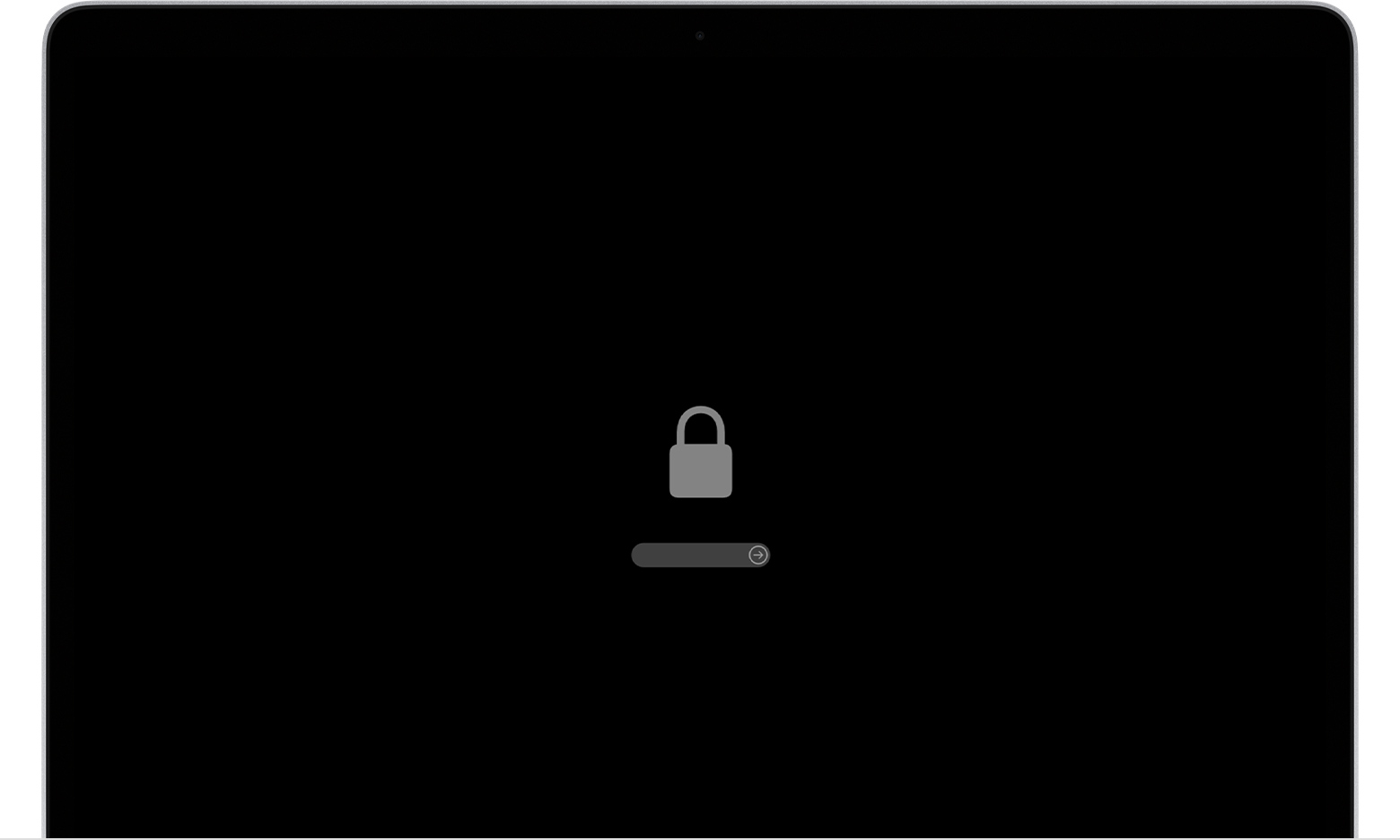
If your Mac is using a firmware password, the lock icon appears when you try to start up from another disk or volume, such as an external drive or macOS Recovery. Enter the firmware password to continue.
You need that firmware password. Without it, that Mac is useless.
I have a MacBook Air and it’s locked I don’t know any of the login info and I can’t connect to WiFi how do I that
