
WiFi and Bluetooth not working
In the middle of working, my Wi-Fi signal disconnected. I also notice I can't connect Bluetooth. they are both grayed out. Any suggestions?
MacBook Pro 13″, macOS 10.13
In the middle of working, my Wi-Fi signal disconnected. I also notice I can't connect Bluetooth. they are both grayed out. Any suggestions?
MacBook Pro 13″, macOS 10.13
Hello Hermd409,
We see that both Wi-Fi and Bluetooth are grayed out, and from your profile and the location of your post, it looks like you're using a MacBook Pro. Is that right?
If you click Apple menu () > Restart and test both Bluetooth and Wi-Fi, do you get the same result?
This link has some great steps If your Mac isn't connecting to the internet over Wi-Fi:
"Use the built-in diagnostic tools
Wi-Fi Recommendations. Click Wi-Fi  in Control Center or the menu bar and check for a menu item named Wi-Fi Recommendations. If you see it, your Mac has detected an issue and has recommendations. Choose Wi-Fi Recommendations to learn more.*
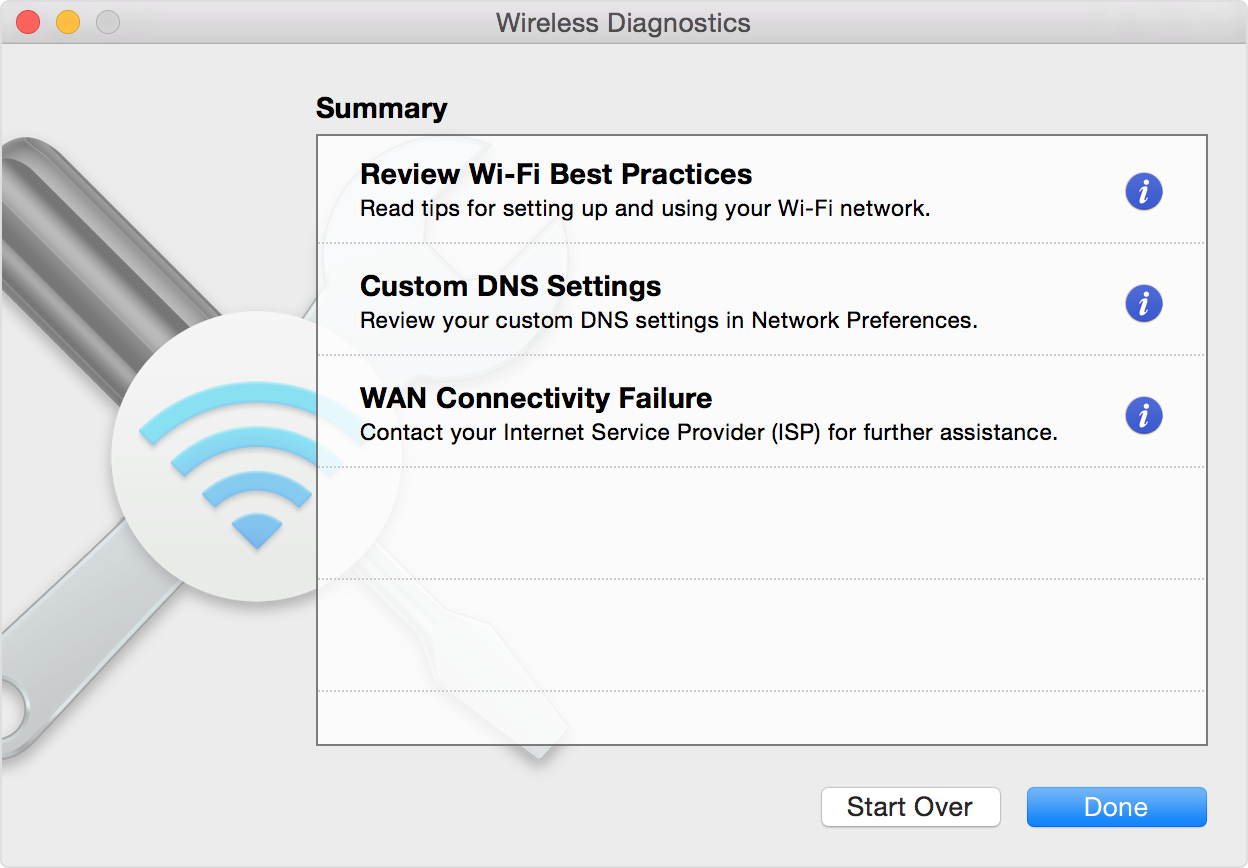
Wireless Diagnostics. Press and hold the Option key on your keyboard while clicking Wi-Fi in Control Center or the menu bar, then choose Open Wireless Diagnostics from the menu. Learn more about using Wireless Diagnostics to analyze your wireless environment.
 "
"
Since you're also seeing issues with Bluetooth, it might also be good to run Apple Diagnostics to check for a hardware issue. Here's how: Use Apple Diagnostics to test your Mac - Apple Support
We hope this can help.
Cheers.
Hello Hermd409,
We see that both Wi-Fi and Bluetooth are grayed out, and from your profile and the location of your post, it looks like you're using a MacBook Pro. Is that right?
If you click Apple menu () > Restart and test both Bluetooth and Wi-Fi, do you get the same result?
This link has some great steps If your Mac isn't connecting to the internet over Wi-Fi:
"Use the built-in diagnostic tools
Wi-Fi Recommendations. Click Wi-Fi in Control Center or the menu bar and check for a menu item named Wi-Fi Recommendations. If you see it, your Mac has detected an issue and has recommendations. Choose Wi-Fi Recommendations to learn more.*
Wireless Diagnostics. Press and hold the Option key on your keyboard while clicking Wi-Fi in Control Center or the menu bar, then choose Open Wireless Diagnostics from the menu. Learn more about using Wireless Diagnostics to analyze your wireless environment.
"
Since you're also seeing issues with Bluetooth, it might also be good to run Apple Diagnostics to check for a hardware issue. Here's how: Use Apple Diagnostics to test your Mac - Apple Support
We hope this can help.
Cheers.
WiFi and Bluetooth not working

