Not 100% sure about your 'slide' analogy, but if you Ctrl-click in any column header to display the pop-up menu, there is a 'Hide Column' option that will, as its name suggests, hide the column.
You can later un-hide the column, by Ctrl-clicking any adjacent header and choosing Unhide Column x (where x is the adjacent column that's hidden), or 'Unhide All Columns'
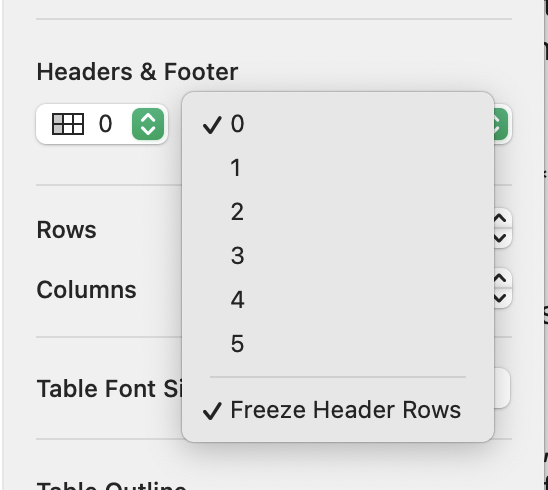
On the 'slide' comment, the only thing that comes to mind is header rows/columns, where the first few (1-5) rows or columns in a table can be designated as Header Rows/Columns, and you can optionally 'freeze' these on the page so they're always visible as you scroll around the table. This is accessed via the Format Inspector -> Table -> Headers & Footers where the 'Freeze' option is in the bottom of the menu.