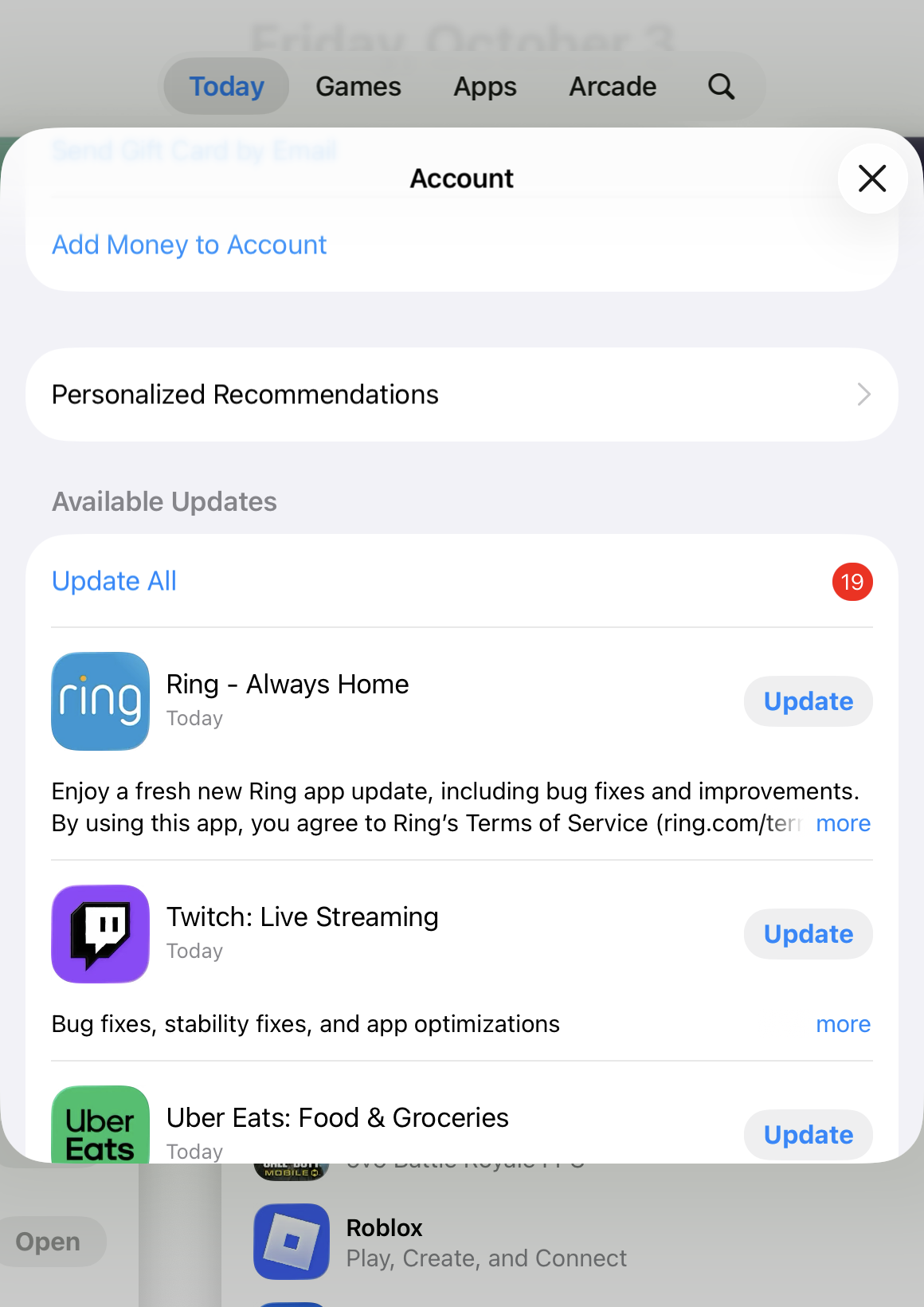
Updates should be listed in the Profile icon page in the App Store app below the "Add Money to Account" or "Personalized Recommendations" entries.
If there are no updates, the section will just say "Recently Updated".
Otherwise it will show any available updates there and be titled "Available Updates"
If you just got the iPad, then you probably don't have any apps that need updates so the section would not be shown.
You can also pull down from the very top of that screen to force a refresh on app updates and any available ones should appear in the section described above.
You may want to look through the user guide too.
click here ➜ Update apps from the App Store on iPad - Apple Support

