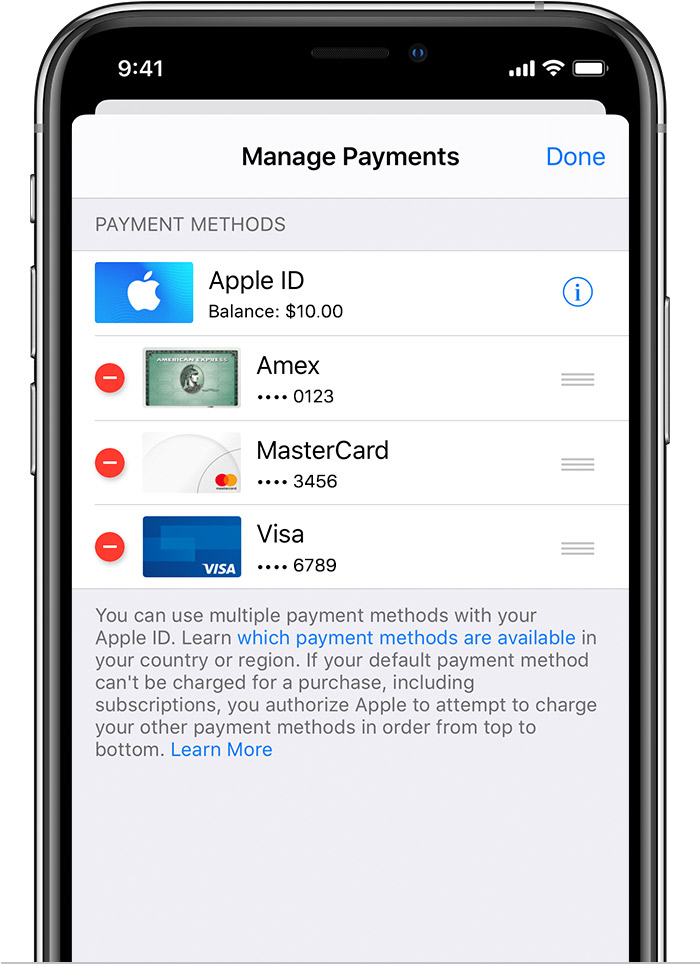
Based on your country of residence or country you have selected under your Apple ID --> Payment methods that you can use with your Apple ID - Apple ...
Ask your bank only one thing, i.e. if the Debit/Credit card which is issued to you is valid internationally.
Rest everything check at your end.
Check the following
- The payment method that you are adding is of the same country as that of App Store Country on your iPhone
- You have valid payment plan / debit / credit card from an authorised bank from the same country as that of your Apple ID
- Learn more about family purchases and payments.
If you can't choose None when you edit your Apple ID payment information
- If you have an unpaid balance or payment due
- If you have a subscription that automatically renews
- If you're using the iTunes Store or App Store for the first time
- If you are not in the country or region you’re creating an Apple ID for
- If you changed your country or region
- If you're a part of Family Sharing


 to rearrange your payment methods. Apple will attempt to charge payment methods in order from top to bottom. You can't change the order in which Apple ID balance is charged.