HP LaserJet Pro MFP M281cdw printing issues - jobs disappear from queue without printing
Okay, I've searched forums both on here as well as on HP with no resolution.
I've had this printer for about 3 years and it has worked fine. I am on a MacBook Pro 14" M1 Pro and just recently updated to Ventura (but was having this problem before I updated - was hoping the update would solve the problem).
I've had this printer both networked over RJ45 as well as wirelessly networked. I can print test pages and Airprint from my phone. I can also right click to select text or pictures and print them out. However, when trying to print from Preview or print a webpage, the printer will briefly spool up and the job will show in the queue, but then nothing happens and the job disappears. I have checked the log and the printer thinks it has printed.
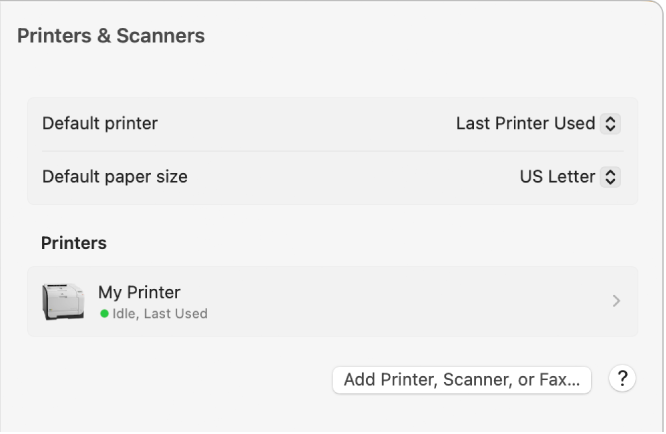
I have tried resetting the printer default, unplugging the printer for a reset, restarting the computer, resetting my printers, deleting and readding the printer. Nothing has worked. I can connect to the printer if I put in the IP address, but that severely limits functionality.
Any help would be appreciated. I spoke briefly with tech support from someone with Costco concierge services and he was absolutely no help. Unfortunately my next step is probably to contact my credit card for extended warranty and have to get a new printer, which seems such a waste.
MacBook Pro


 > System Information. If the printer’s name appears in the hardware list but the printer doesn’t work, review the printer’s documentation for further troubleshooting information.
 in the sidebar. Click the printer in the Printers list on the right, then click the Print Queue button.