iCloud access

How does a non-Apple user create an iCloud account?


QAQ85D,

Posted on Jun 15, 2023 8:35 AM

Reply
Question marked as Top-ranking reply

Posted on Jun 15, 2023 8:38 AM

For information about creating an Apple ID without using an Apple device, see the following from: How to create a new Apple ID - Apple Support


Create your Apple ID on the web
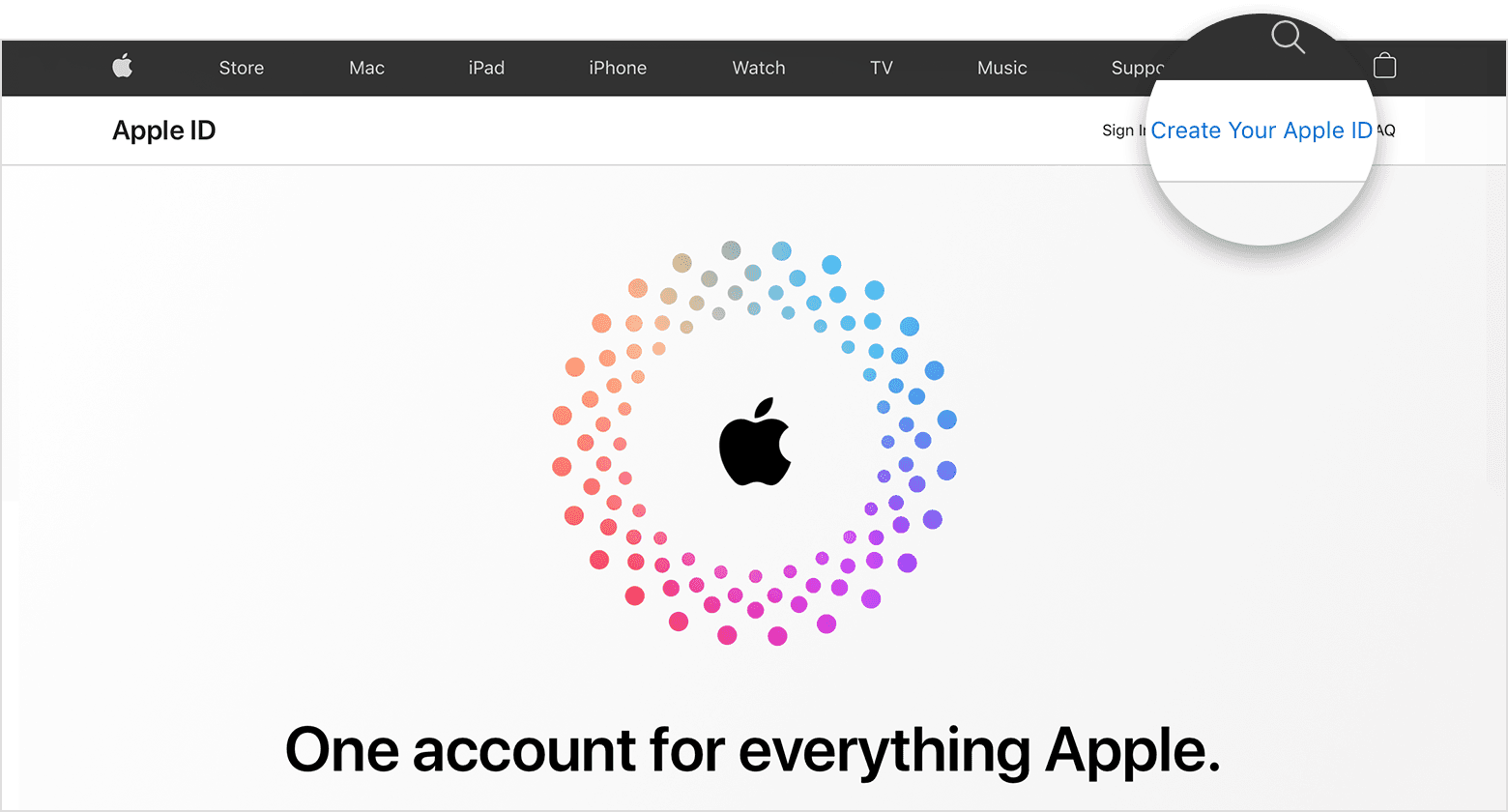
  1. Go to appleid.apple.com and click Create Your Apple ID.

  2. Follow the onscreen steps to provide an email address, create a strong password, and set your device region. The email address that you provide will be your new Apple ID.*
  3. Enter a phone number that you can always access.
  4. Check the boxes to subscribe to Apple Updates if you'd like. This keeps you up to date on the latest news, software, products, and services from Apple.
  5. Click Continue.
  6. Follow the onscreen steps to verify your email address and phone number. 

After you verify your email address, you can use your new Apple ID to sign in to the iTunes Store and other Apple services such as iCloud.

* In China mainland, you might be required to provide a +86 phone number for your Apple ID. You can change the number later, or change your country or region to a location that doesn't require it. This number is only used for verification purposes.


1 reply
Question marked as Top-ranking reply

Jun 15, 2023 8:38 AM in response to fenmjn99

For information about creating an Apple ID without using an Apple device, see the following from: How to create a new Apple ID - Apple Support


Create your Apple ID on the web

  1. Go to appleid.apple.com and click Create Your Apple ID.

  2. Follow the onscreen steps to provide an email address, create a strong password, and set your device region. The email address that you provide will be your new Apple ID.*
  3. Enter a phone number that you can always access.
  4. Check the boxes to subscribe to Apple Updates if you'd like. This keeps you up to date on the latest news, software, products, and services from Apple.
  5. Click Continue.
  6. Follow the onscreen steps to verify your email address and phone number. 

After you verify your email address, you can use your new Apple ID to sign in to the iTunes Store and other Apple services such as iCloud.

* In China mainland, you might be required to provide a +86 phone number for your Apple ID. You can change the number later, or change your country or region to a location that doesn't require it. This number is only used for verification purposes.


This thread has been closed by the system or the community team. You may vote for any posts you find helpful, or search the Community for additional answers.

iCloud access

Welcome to Apple Support Community
A forum where Apple customers help each other with their products. Get started with your Apple Account.