I do wish there were a way to copy the Title into the Exif capture date.
It is possible to copy filename to metadata dates, but as you said earlier, the operation must be done before importing to Photos:
To copy filenames to metadata dates in movies and images choose GraphicConverter 12 > File > Browse... > [select folder] > [select files] > Camera menu > Set Exif Date to > Filename... > 'Match string' GC default: YYYY-MM-DD hh.mm.ss (or almost anything you prefer -- I use YYYY-MMDD-hhmm-ss), Additional options > Set the file creation/modification date, (optional: Set Exif date/time modified, Set Exif date/time digitized etc), Set movie tags (MOV, MP4, M4V and MTS only), Use UTC.
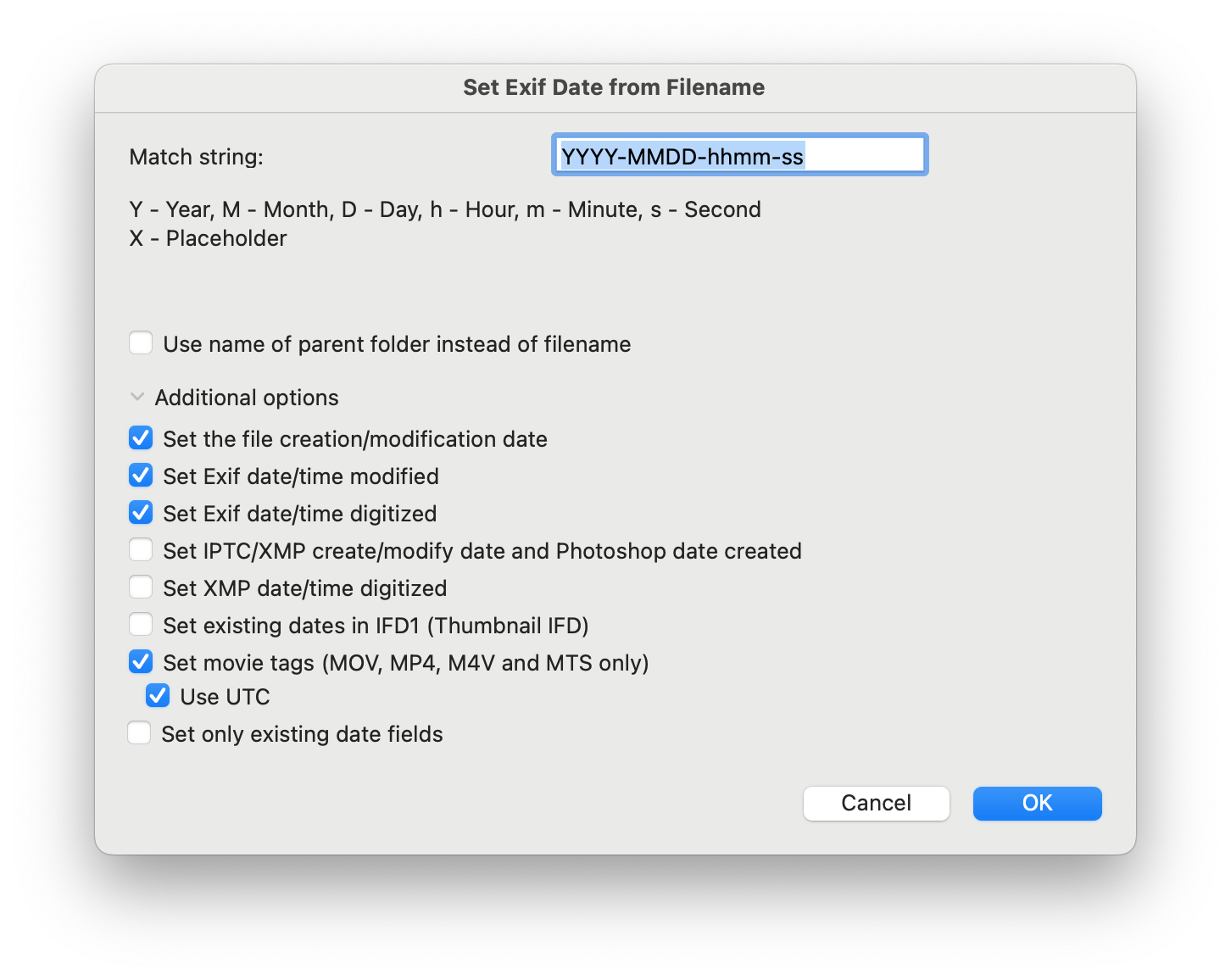
To copy filenames to image metadata dates can be done in exiftool:
exiftool -m -overwrite_original -ext jpg -ext heic -ext png -ext webp '-AllDates<FileName' '-FileCreateDate<FileName' '-FileModifyDate<FileName' .
To copy filenames to movie metadata dates can be done in exiftool:
exiftool -m -overwrite_original -ext mp4 -ext m4v -ext mov -wm w -api LargeFileSupport=1 -api QuickTimeUTC=1 '-AllDates<FileName' '-Track*Date<FileName' '-Media*Date<FileName' '-Keys:CreationDate<FileName' '-FileCreateDate<FileName' '-FileModifyDate<FileName' .