Quite simple.
In your second screenshot, your table is configured with Column A defined as a Header Column.
Just like Header Rows, Header columns are typically used for labels rather than data. Heeaders usually remain fixed on screen as you scroll around (so you can easily see which columns/rows you're looking at), and they're typically printed at the top and left of any printouts.
By default, when using Header Rows and Header Columns, Numbers will show cell references using the labels, rather than the generic references. So in the case of 'L1: Opt@ Expiry 107.35', it's referring to the intersection of the 'L1: Opt @Expiry' column and the '107.35' row.
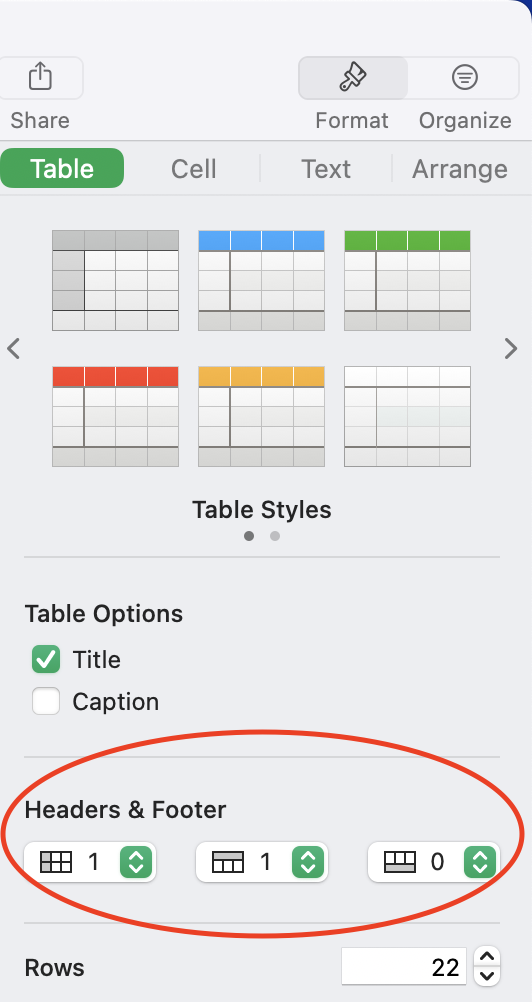
If you turn off header columns (Format Inspector -> Table -> Header & Footer), it will revert to using row numbers instead:
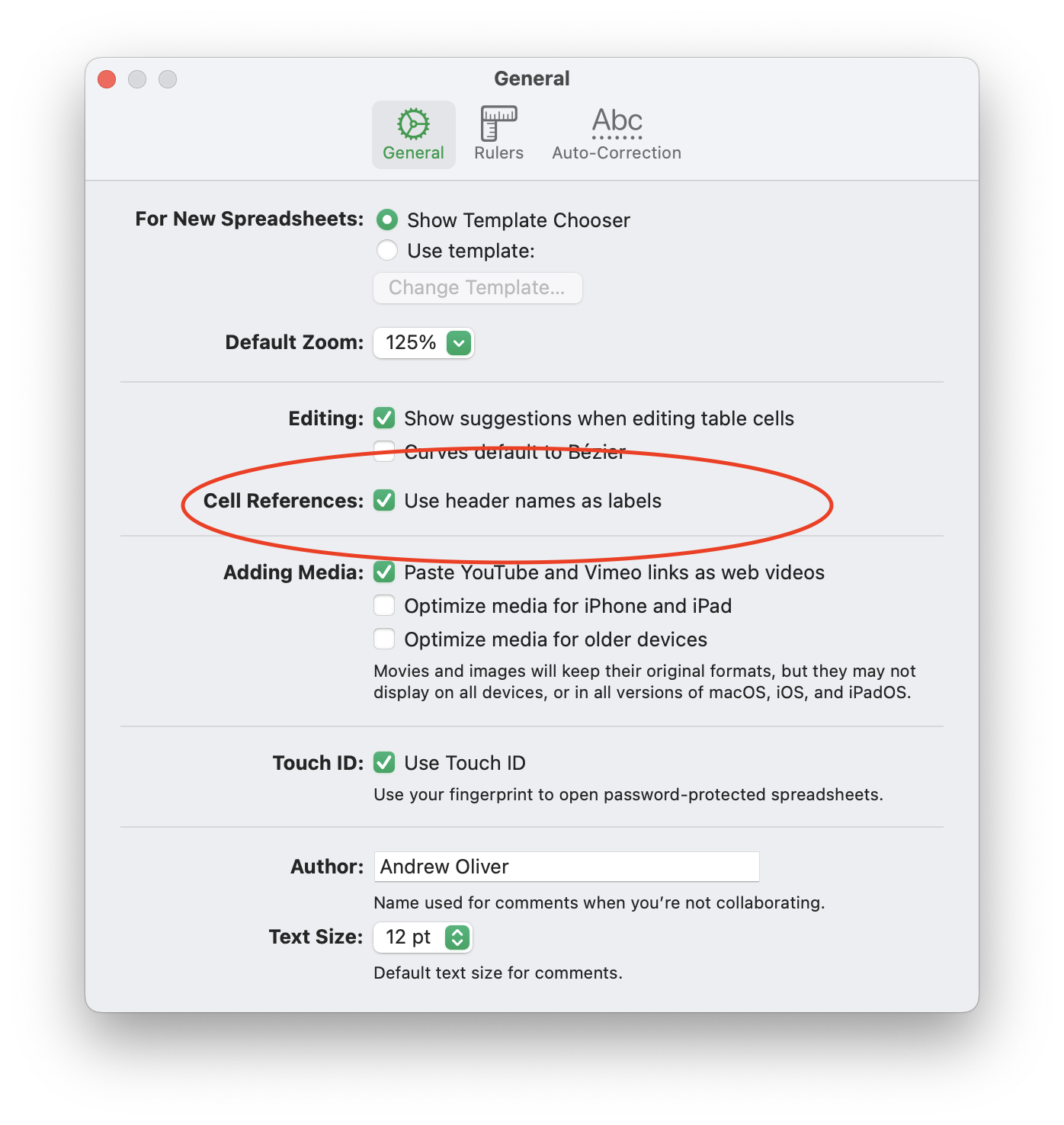
You can also toggle whether or not Numbers uses 'friendly' cell references via Numbers -> Settings -> Use header names as labels: