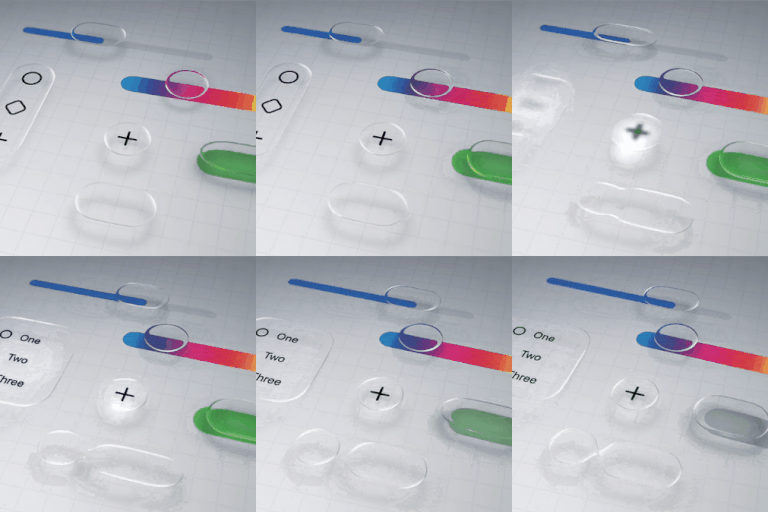
How to disable liquid glass in iOS 26?
Is there a way to completely disable the liquid glass functionality on iOS 26? I'm not going to get into a lengthy diatribe over why it's awful, I just want it gone.
iPhone 13 Pro Max, iOS 18
Is there a way to completely disable the liquid glass functionality on iOS 26? I'm not going to get into a lengthy diatribe over why it's awful, I just want it gone.
iPhone 13 Pro Max, iOS 18
There is no way to completely disable the Liquid Glass effect in iOS 26, but you can reduce its impact by going to Settings > Accessibility > Display & Text Size and turning on Reduce Transparency. This will make the interface less transparent, but it won't remove the effect entirely.
Remember iOS 7? We came to like it didn’t we? Maybe it’ll be the same this time
Thank you so much!!
Actually, Liquid Glass is built off of the Aqua interface that was on macOS made under the leadership of Steve Jobs.
Apple Unveils Mac OS X - Apple
is there a way to atleast turn off the visual effects like the excessive glowing and all?
[Edited by Moderator]
There are a lot of frustrating bugs to fix. Can't read notifications in dark mode on my Lock Screen. Looks like mishmash of white and black with no clear letters.
Thats right. Please apple care do something
A cheap third party UI is exactly why it seems like and now that I am typing I noticed the keyboard looks like a cheap add on as well
I couldn’t agree more. It hurts my eyes.
I can not express enough how much I absolutely hate it. This will be the thing that drives me to Android. I can NOT look at this horrible UI every single day.
The transparency and motion recommendations CRIPPLE OTHER THINGS. These are not appropriate responses. The ONLY response I want to see is from Apple with a button to turn this garbage off.
How do you turn it off?
How to disable ios26 on my iPhone 12 Pro I don’t like it in don’t make my battery last any longer
29icebTc247 wrote:
How to disable ios26 on my iPhone 12 Pro I don’t like it in don’t make my battery last any longer
Downgrading has never been supported.
You can't disable your operating system, the phone wouldn't work. And downgrading the iOS isnt supported, you will have to live with it.
Im going in to a Genius bar on Sunday for a battery replacement and will ask them to roll it back to 24 or 25.
How to disable liquid glass in iOS 26?